Online job portals, public service commissions, university admission systems and visa forms usually accept files only up to a fixed size, often 50 KB, 100 KB, 200 KB, 500 KB or 1 MB. A single phone photo of a certificate is easily 2 to 4 MB, so the upload fails with “file too large”, usually after you have filled in the whole form. This guide is a routine that gets documents under those limits while keeping names, dates and stamps readable.
1. Find the exact limit for each upload box
Read the small print next to every upload button, not just the general instructions. One application can have different limits for different boxes, and some boxes accept only certain formats.
- Note the size and the unit. “Maximum 100 KB” and “maximum 1 MB” need very different settings.
- Note the format. If a box asks for JPG, a PDF will be refused however small it is. Convert a PDF page to an image with PDF to JPG, or a photo to a PDF with JPG to PDF.
- Note whether it wants one file or several. A box for “all educational documents” means one merged PDF; separate boxes mean separate files.
2. Start from a clean scan
The cleaner the page, the more detail survives compression. A dim photo with a tabletop around it spends most of its bytes on shadows and wood grain.
- Photograph the paper flat, in daylight, with the page filling the frame. Scan to PDF has a document filter that turns a grey background white, which compresses far better.
- Already have a PDF with wide borders? Trim them with Crop PDF.
- If colour is not required, convert the file with Grayscale PDF first. Grey pages need much less space than colour ones.
3. Compress to the size the box asks for
Pick the page that matches the limit. Each one opens the same Compress tool with the size already chosen, and each explains what realistically fits:
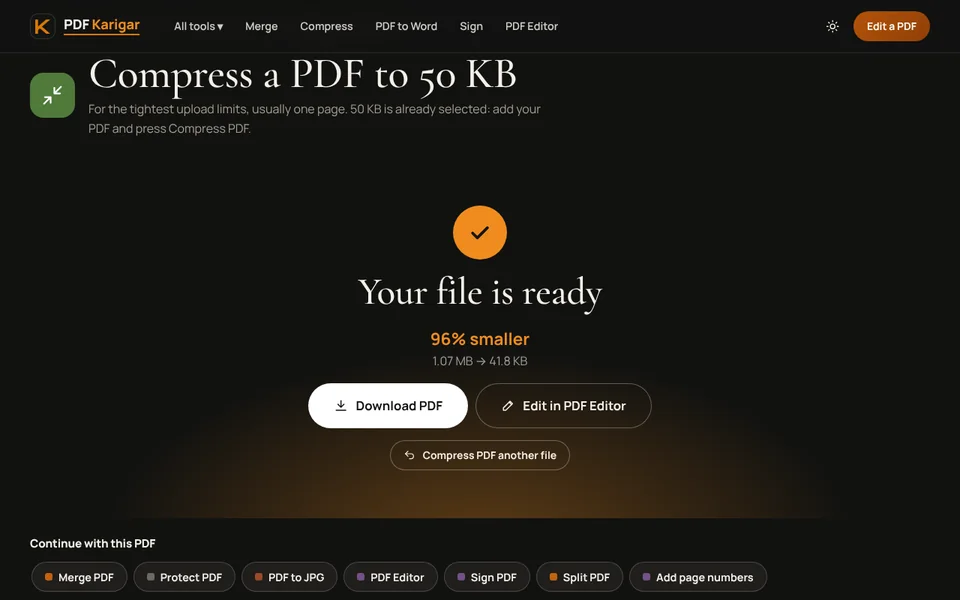
- Compress PDF to 50 KB for the tightest limits, usually a single page.
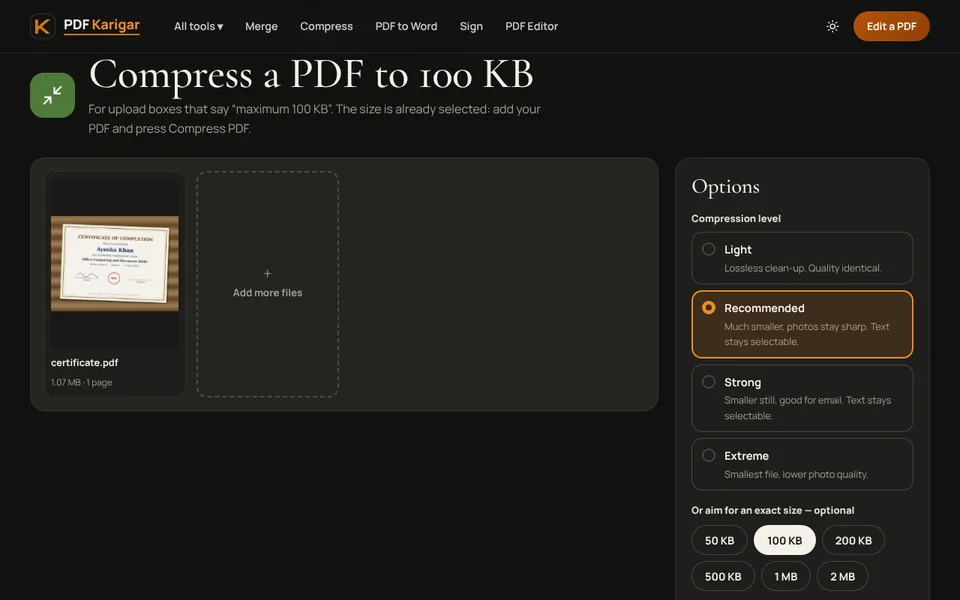
- Compress PDF to 100 KB for one document such as an ID copy or a certificate.
- Compress PDF to 200 KB for a short pack, such as a CV with two certificates.
- Compress PDF for anything else: type the number and choose KB or MB.
The tool tries the sharpest setting first and steps down only as far as it needs to. In our tests, a one-page PDF made from a 2400 × 1800 phone photo (394 KB) came out at 45.5 KB with the 50 KB target, still readable on screen.
4. Check the result the way a recruiter would
Open the downloaded file and zoom in to 100%. Look at the parts an assessor actually reads: your name, roll or registration numbers, dates, grades, signatures and stamps. If any of them are blurred, use a larger size if the form allows it, or give the page more room by splitting the pack. Read the note under the result too. When a very small target forces pages to become low-resolution pictures, the tool says so and suggests the smallest size that stays readable.
5. When a file still will not fit
- Upload page by page. If the portal allows several files, divide a long scan with Split PDF.
- Drop pages nobody asked for. Blank backs and instruction sheets waste the budget. Remove them with Remove pages.
- Keep documents separate. Merging every certificate into one file makes all pages share one limit.
- Leave a safety margin. If a portal still says the file is too big, type a slightly smaller number, such as 90 instead of 100, and try again.
6. Name files so they make sense
Assessors download hundreds of files called “scan.pdf”. A name like “Ayesha-Khan-Matric-Certificate.pdf” is easier to check and less likely to be mixed up. When a form wants one merged file, put the documents in the order the form lists them, using Merge PDF, and compress the finished file once at the end.
7. Keep your originals
Compression always gives you a new copy; your original file is never changed. Keep the full-quality version for printing, interviews and later applications with bigger limits. Compressing an already compressed file again only loses more detail.
All of these tools run in your browser. Certificates, CNIC and Emirates ID copies and offer letters never leave your device.
Frequently asked questions
What size should my CV be for a job portal?
A CV saved from Word or Google Docs is mostly text and is usually well under 200 KB. If yours is bigger, a photo or a scanned signature inside it is the cause. Compress it once and check that the photo still looks clean.
The portal says my file is too large, but it shows 98 KB. Why?
Some portals count 100 KB as 100,000 bytes, while your computer counts in steps of 1,024 bytes. A file can look like 98 KB on your screen and still be over a strict 100,000-byte limit. PDF Karigar aims under the smaller number, so its files pass either way.
Can I upload a photo instead of a PDF?
Only if the upload box says it accepts JPG or PNG. If it asks for a PDF, turn the photo into one with JPG to PDF, then compress it to the size the box allows.