A PDF’s size depends almost entirely on what is inside it, not on how many pages it has. A 300-page novel exported from a word processor can be smaller than one phone photo of a receipt. Once you know which kind of content is taking the space, the fix is usually quick.
Cause 1: full-resolution phone photos
Modern phone cameras take photos of 12 megapixels or more, and a PDF built from them keeps every pixel. JPG to PDF on this site deliberately embeds photos at their original resolution so nothing is lost, which means a ten-photo PDF can easily pass 30 MB. That is perfect for printing and archiving, and far more than any upload form or email needs.
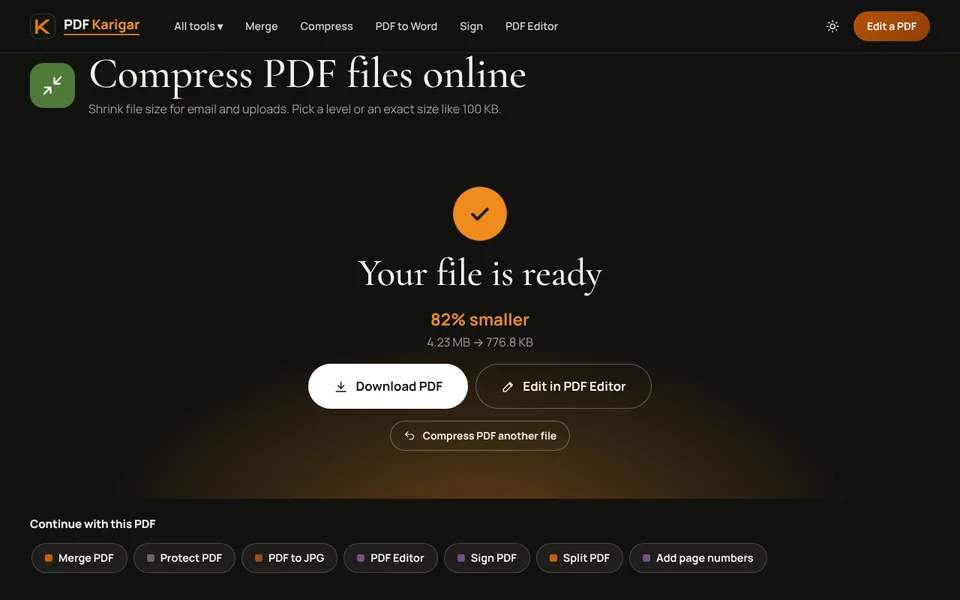
Fix: run the finished PDF through Compress PDF. The Recommended level brings photos down to a sensible resolution for screens and keeps them sharp.
Cause 2: scans saved in colour at high resolution
Office scanners often default to colour at 300 or 600 dpi. A colour page at 600 dpi has four times as many pixels as the same page at 300 dpi, and colour needs about three times the data of grey. For a typed letter or a form, that detail is wasted.
Fix: convert the file with Grayscale PDF when colour does not matter, then compress. Next time, set the scanner to grayscale at 200 to 300 dpi for text documents.
Cause 3: pages stored as pictures instead of text
When a document is printed to PDF as an image, scanned, or converted by a tool that draws each page as a picture to keep the layout exact, every page becomes a large image. The Word, Excel and HTML to PDF tools on this site work this way, which makes their output look identical to the original but larger than a direct export. You can tell by trying to select a word: if you cannot, the page is an image.
Fix: if you still have the original document, export it directly to PDF from the program that made it, for example File, then Save As, then PDF in Word. If you only have the PDF, compress it with a target size.
Cause 4: wide borders and empty space
A photo of a page on a desk stores the desk too. Dark, textured backgrounds compress badly and can take more space than the document itself.
Fix: trim the borders with Crop PDF, or rescan with Scan to PDF and fill the frame with the page.
Cause 5: pages nobody needs
Merged document packs often carry blank backs of single-sided pages, duplicated cover sheets or full brochures where one page was wanted.
Fix: delete them with Remove pages, or keep only what you need with Extract pages.
Cause 6: files that were edited and saved many times
Some PDF programs save changes by adding them to the end of the file instead of rewriting it, so old versions of edited pages can stay inside. Embedded fonts, attachments and form data add further weight.
Fix: Compress PDF writes a fresh copy of the file instead of adding to it, which usually clears out old versions left by earlier edits. The Light level does this without touching image quality.
A quick way to diagnose your file
- Divide the file size by the number of pages. Under 100 KB per page is normal for text. Over 1 MB per page means photos or page images.
- Try to select text on a page. If you cannot, the pages are pictures.
- Zoom in on a photo. If it stays perfectly sharp at 400%, it is stored at a far higher resolution than a screen needs.
Most oversized PDFs have one or two of these causes. Fix the biggest one first, then compress once at the end. If the file has to meet an exact limit, see how to reduce PDF size for job applications.
Frequently asked questions
How big should a normal PDF be?
A typed page exported from Word or Google Docs is usually tens of kilobytes. A page that holds a photo or scan is usually several hundred kilobytes to a few megabytes. If a mostly text document is many megabytes, pictures or page images are almost always the reason.
Does compressing a PDF twice make it smaller?
Barely, and it costs quality. The first pass removes most of the waste. If the file is still too big, choose a stronger level or a target size on the original file instead of recompressing the copy.
Why did my PDF get bigger after converting it?
Some converters draw each page as an image to keep the layout exact. Images take far more space than text. Exporting the document directly from Word or Google Docs keeps the text as text and the file small.